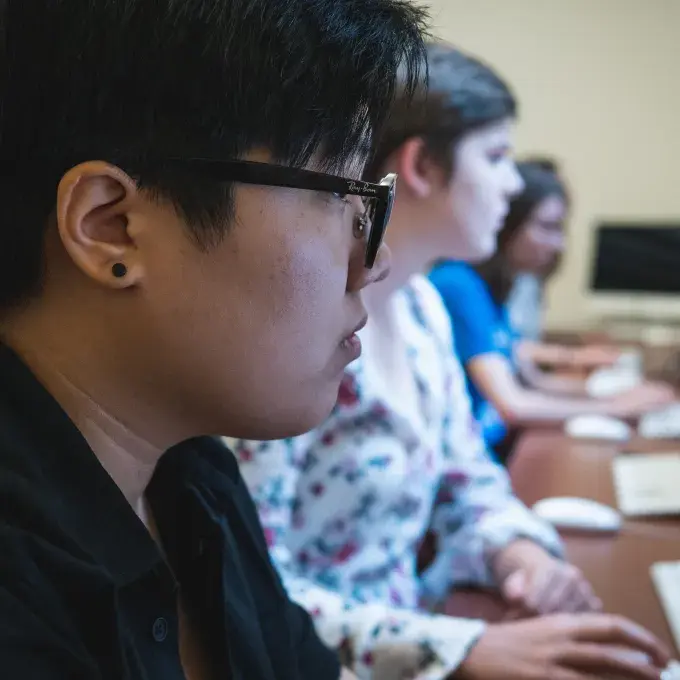
Arts & Sciences IT Lab
Seigle Hall, 012
Please note that computer labs cannot be reserved.
Lab Consultant Phone: 935-5165 (rings our Eads Hall student phone line)
The Arts & Sciences IT Lab is located in the lower level of Seigle Hall, room 012. It is intended for the general computing needs of students, faculty, and staff. Lab Consultants staff the lab during open hours and are there to help with general computing questions.
This lab includes a moderate amount of specialized analysis software. Please see the software list below for details. Social Sciences Computing also offers a Reserved Lab for advanced statistical computing needs.
Please note that SPSS is only installed on Windows Stations 1-3.
This lab adheres to the Arts & Sciences Lab Use Policy. For details on printing, click here.
Note: The Arts & Sciences IT Lab has reduced hours in the summer and when classes are not in session and is closed on university holidays.
Seats: 12
(8 Windows based computers and 4 iMacs)
Equipment: Printer
Software (PC): 7-Zip, Adobe Reader, Adobe Shockwave Player, ArcGIS, Audacity, CefaTool, Clavis Sinica 3, CyberLink PowerDVD 5.1, ERDAS IMAGINE, EViews, Fathom, FileZilla, Firefox, GIMP, Google Chrome, Japanese the Spoken Language, Kompozer, Macromedia Authorware Player, Mathcad 8 Pro, Microsoft Office, MiKTeX, MinGW, MPlus Demo Editor, NVU, R, Rasmol, Real Player, Roxio, SAS, Skype, SPSS (only on machines #1-3), SSH, Stat/Transfer, Stata , VLC, WinBUGS
The Windows computers are also equipped with Adobe Creative Cloud software for use by students who have a Creative Cloud license of their own- the software is not otherwise licensed nor usable.
Software (Mac): 7zX, Adobe Reader, Adobe Shockwave Player, Audacity, Automator, DropBox, FileZilla, Firefox, FontBook, GarageBand, GIMP, Google Chrome, Google Earth, iMovie, iPhoto, iTunes, Kompozer, Microsoft Office, Quicktime Player, R and R Studio, Skype, SSH, Stat/Transfer, Stata, VLC